

Setting up a cybersecurity lab on a mini PC is an excellent way to practice ethical hacking, penetration testing, and defense strategies without needing bulky servers or expensive equipment. In 2026, with rising cyber threats, hands-on training is crucial for students, professionals, and enthusiasts. A mini PC offers portability, energy efficiency, and sufficient power for running multiple virtual machines (VMs) like Kali Linux for attacks and vulnerable targets for practice.
This guide explains the benefits of using a mini PC for your cybersecurity lab: compact design fits anywhere, low power consumption saves on electricity, and modern specs with Intel Core i7 processors, 32GB DDR5 RAM, and NVMe SSDs handle resource-intensive tools like Nmap, Wireshark, Metasploit, and Burp Suite. You’ll isolate your lab network to prevent real-world risks, making it safe for learning.
Ideal for students prepping for certifications like CompTIA Security+, OSCP, or CEH, or hobbyists building home labs. If you’re exploring more cybersecurity topics, check our blog for trends and guides. Follow this step-by-step process to get your lab running in hours.

Preparation
Before diving in, ensure your mini PC meets lab requirements. Look for models with at least an Intel Core i5 or AMD Ryzen 5 processor, 16GB RAM (32GB recommended for smooth multi-VM operation), 512GB NVMe SSD, TPM 2.0 for secure boot, and Wi-Fi 6E for stable connections. Virtualization support (Intel VT-x or AMD-V) is essential—check BIOS settings.
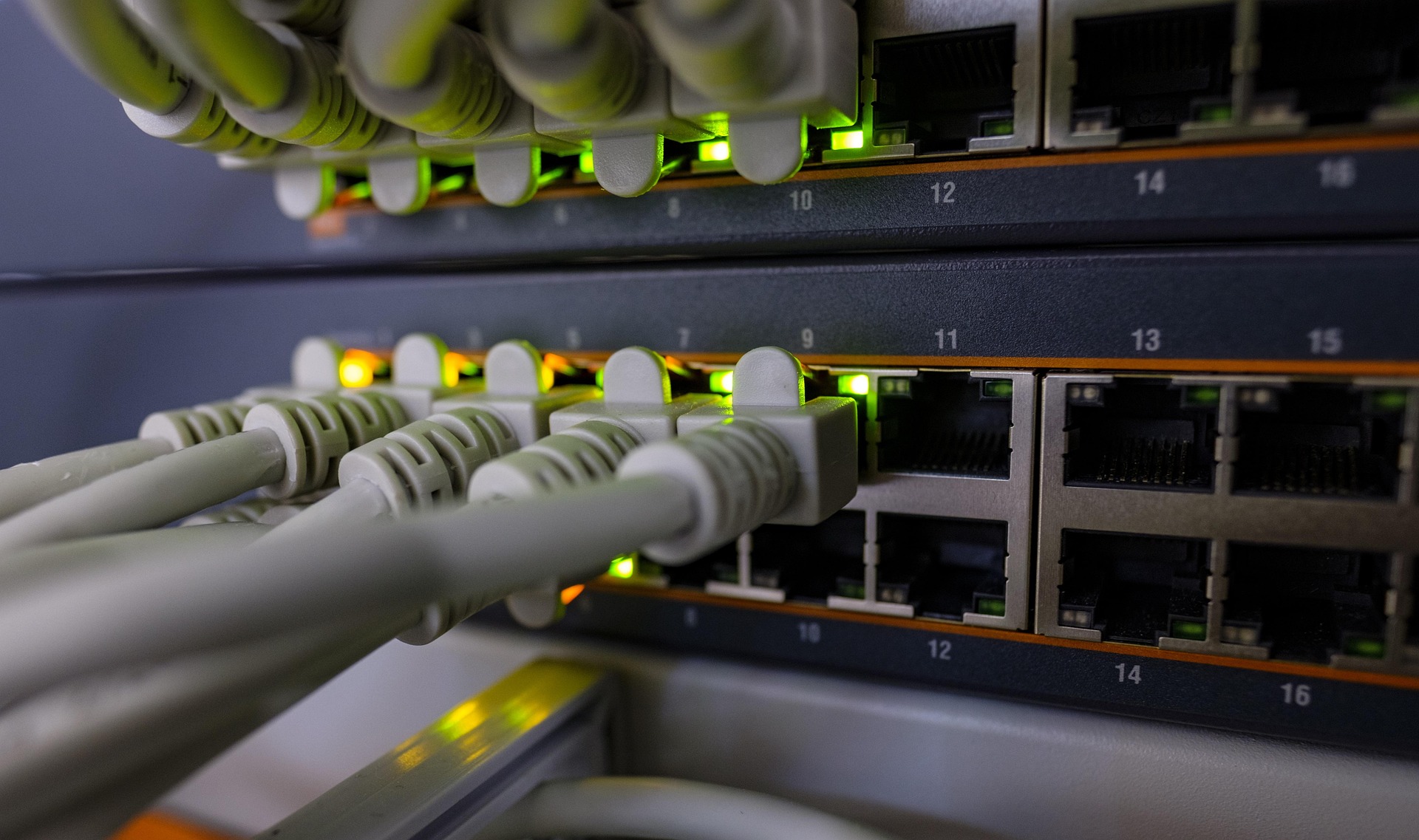
Gather software: Download VirtualBox (free hypervisor), VMware Workstation Player, or Proxmox VE for advanced users. Prepare ISO files for Ubuntu 22.04 (host OS), Kali Linux 2024, Metasploitable 3 (victim VM), and a Windows 10/11 eval ISO. Backup data, update BIOS/firmware, and use a USB drive (16GB+) for installations. Set up a dedicated Ethernet switch for lab isolation to avoid exposing your network.
- Verify hardware: Run CPU-Z or HWInfo for specs.
- Secure workspace: Use VLAN-capable router or physical separation.
- Tools list: Nmap, Nessus community edition, OpenVAS.
Step-by-Step Setup Guide
We’ll use VirtualBox on Ubuntu host for simplicity, but adapt for VMware. Allocate 4-8GB RAM per VM, 2-4 CPU cores, and 50GB storage each. Enable nested virtualization in BIOS.
- Install Host OS: Boot from Ubuntu ISO on USB. Choose minimal install, enable third-party drivers. Post-install, run
sudo apt update && sudo apt upgrade. Install VirtualBox:sudo apt install virtualbox virtualbox-ext-pack. Reboot. - Configure Networking: In VirtualBox Network settings, create Host-Only adapter (VBoxNet0) for internal lab comms. Set VMs to use this for isolation—NAT for internet access only on attacker VM. Disable internet on victim VMs:
sudo iptables -A INPUT -s 192.168.56.0/24 -j ACCEPTfor lab subnet. - Create Kali Linux VM: New VM: 4096MB RAM, 4GB VDI dynamic disk. Attach Kali ISO, install with username ‘kali’, password ‘kali’. Boot, update:
sudo apt update && sudo apt full-upgrade. Install tools:sudo apt install metasploit-framework nmap wireshark burpsuite. - Set Up Victim VM – Metasploitable: Download Metasploitable 3, create VM with 2048MB RAM. Ubuntu base, enable vulnerable services (Apache, MySQL). Attach to Host-Only network. Test ping from Kali:
ping 192.168.56.102. - Add Windows Target VM: Install Windows 11 ISO in new VM (4GB RAM). Disable Windows Defender temporarily for lab vulns. Install vulnerable apps like old IIS. Configure static IP: 192.168.56.103.
- Install Monitoring VM: Ubuntu Server VM with ELK stack (Elasticsearch, Logstash, Kibana) or Splunk free. Monitor traffic:
sudo apt install tcpdump snort. - Lab Network Validation: From Kali, scan network:
sudo nmap -sV -O 192.168.56.0/24. Confirm VMs see each other, no external access. Set snapshots for easy resets. - Secure and Test: Enable VM encryption (TPM passthrough if available). Run basic pentest:
msfconsole, search exploits for Metasploitable services. Success: gain shell!
Optimization Tips
To maximize your mini PC’s performance in the cybersecurity lab, tweak settings for efficiency.
- Increase host swap to 16GB:
sudo fallocate -l 16G /swapfile; sudo mkswap /swapfile; sudo swapon /swapfile. - Use SSD TRIM: Enable in fstab for better I/O on VMs.
- Enable hardware acceleration: Verify VT-x/AMD-V, EPT in VirtualBox.
- Resource limits: Pin CPUs to VM cores, use 80/20 host/VM RAM split.
- Cooling: Add USB fan to mini PC; monitor with
lm-sensors. - Snapshots & clones: Daily snapshots before tests; clone VMs for scenarios.
- AI acceleration: If NPU-equipped mini PC, passthrough for ML-based tools like anomaly detection.
- Backup: Use rsync for VM exports to external drive.
Troubleshooting
Common issues and fixes keep your lab running smoothly.
- No VM networking: Check VirtualBox Host-Only adapter created; restart VBoxNetDHCP service:
sudo /etc/init.d/vboxnetdhcp restart. - Low performance: Close host apps, allocate more RAM, enable 3D acceleration if GPU supports (e.g., Intel Iris Xe).
- VM won’t boot: Ensure BIOS virtualization enabled; check ISO integrity with SHA256.
- High CPU usage: Limit VM cores; use KVM/QEMU for better efficiency on Linux host.
- Security leaks: Firewall lab subnet; never bridge to main network—use warning: Lab isolation critical to avoid infecting host!
- Metasploit fails: Update MSF DB:
msfdb init; check PostgreSQL running.
Final Thoughts
Your mini PC cybersecurity lab is now ready for real-world simulations. Start with basic scans, progress to full red team exercises. Mini PCs shine here—portable for conferences, quiet for home use, and scalable with upgrades like extra RAM. We recommend practicing daily, documenting findings, and joining communities. Stay ethical: only test authorized systems. Expand with Docker containers for microservices vulns or GPU-accelerated cracking if your mini PC has discrete graphics.
For students, this setup preps you for cybersecurity courses; pros, it’s a portable pentest rig. Share your setups in comments!
FAQs
What mini PC specs are best for a cybersecurity lab?
Intel Core i7 or Ryzen 7, 32GB DDR5 RAM, 1TB NVMe SSD, TPM 2.0, and Gigabit Ethernet. Handles 4-6 VMs easily.
Can I use Windows as the host OS?
Yes, with Hyper-V or VMware. Enable Windows Sandbox for quick tests, but Linux host is lighter for resource constraints.
Is VirtualBox secure enough for pentesting?
For learning, yes with isolated networks. For production, use Proxmox or ESXi with VLANs and firewalls.
How do I isolate the lab from my home network?
Use Host-Only or Internal networks in hypervisor; add pfSense VM as lab router/firewall for advanced isolation.
What’s next after basic setup?
Try CTF challenges on HackTheBox, VulnHub VMs, or build custom exploits. Monitor with SIEM tools like Security Onion.



Write Your Review
No reviews yet. Be the first to share your experience!